
In short: A Shipping Discount gives Free Shipping, a Percentage off or a Fixed Amount off shipping. Under Rate Selection, apply it to All Rates, the Cheapest Rate, or only the rates you name with Select Rates.
Set one up
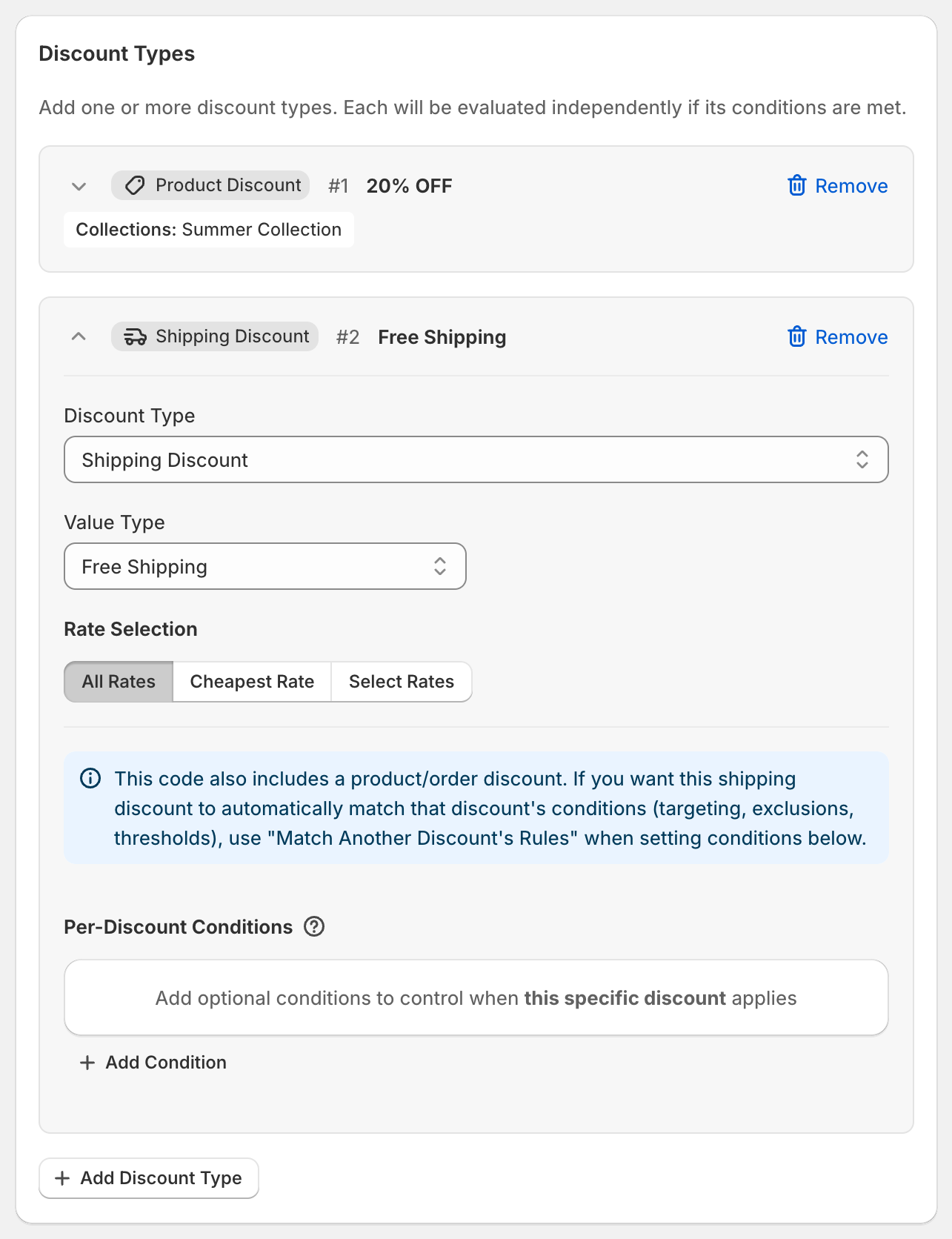
In the Discount Types card, click Add Discount Type and set Discount Type to Shipping Discount.
Choose a Value Type: Free Shipping (the default), Percentage or Fixed Amount.
Under Rate Selection, choose which shipping options it applies to:
All Rates: every shipping option at checkout.
Cheapest Rate: only the cheapest rate that isn't already free.
Select Rates: only the rates you add by name.
Optional: add Per-Discount Conditions, for example Cart Subtotal greater than or equal to
75.
Choose specific rates by name
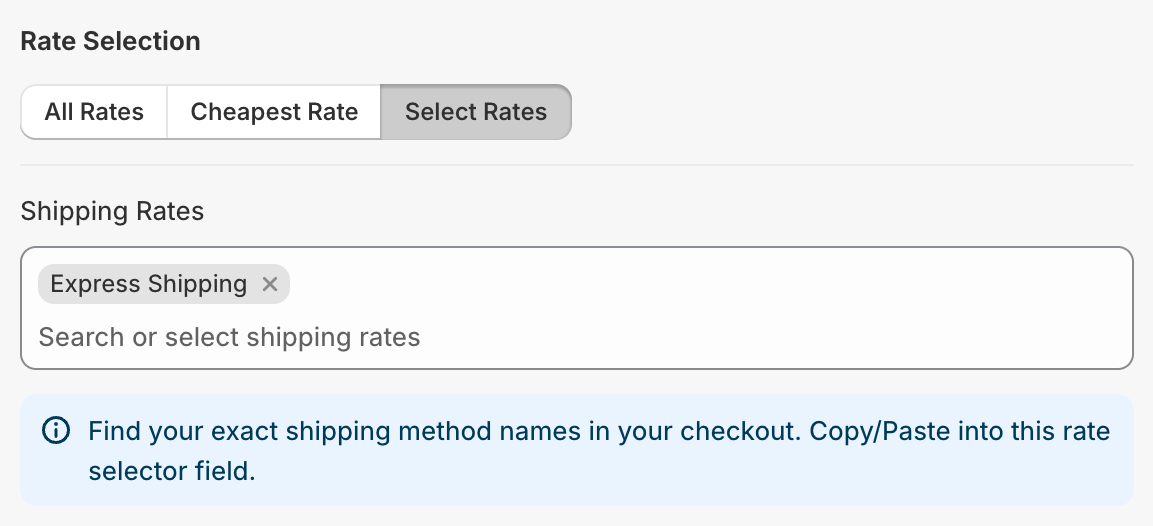
With Select Rates:
Click into Shipping Rates. OneCode: Stackable Discounts suggests the rate names from your Shopify shipping settings.
Pick a suggestion, or type a name and choose Add "your rate name".
Repeat for each rate.
The name must match the rate's full name as customers see it at checkout, for example Express Shipping. Capital letters don't matter, but a partial name like Express won't match Express Shipping. If none of the names match the rates at checkout, this shipping discount doesn't apply.
Tip: go through your own checkout and copy the rate names exactly. Rates from shipping apps or carrier-calculated rates can have different names from your shipping settings.
Discount only the cheapest rate
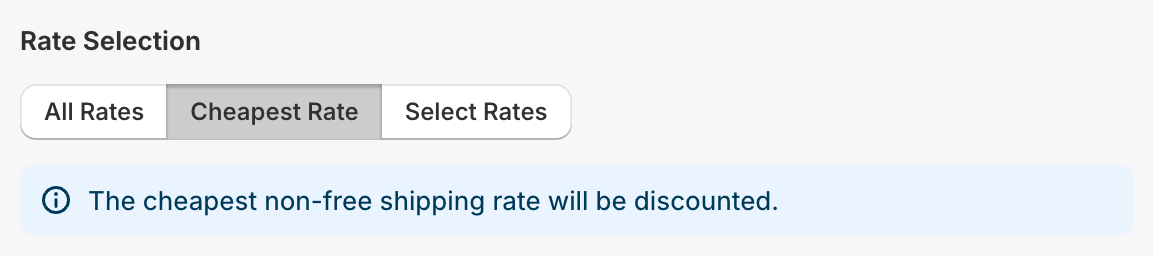
Choose Cheapest Rate to discount only the cheapest shipping option that isn't already free. If every rate is already free there's nothing to discount. If the order is split into more than one shipment (for example, items sent from two locations), the cheapest rate of each shipment is discounted.
Free shipping only with another discount
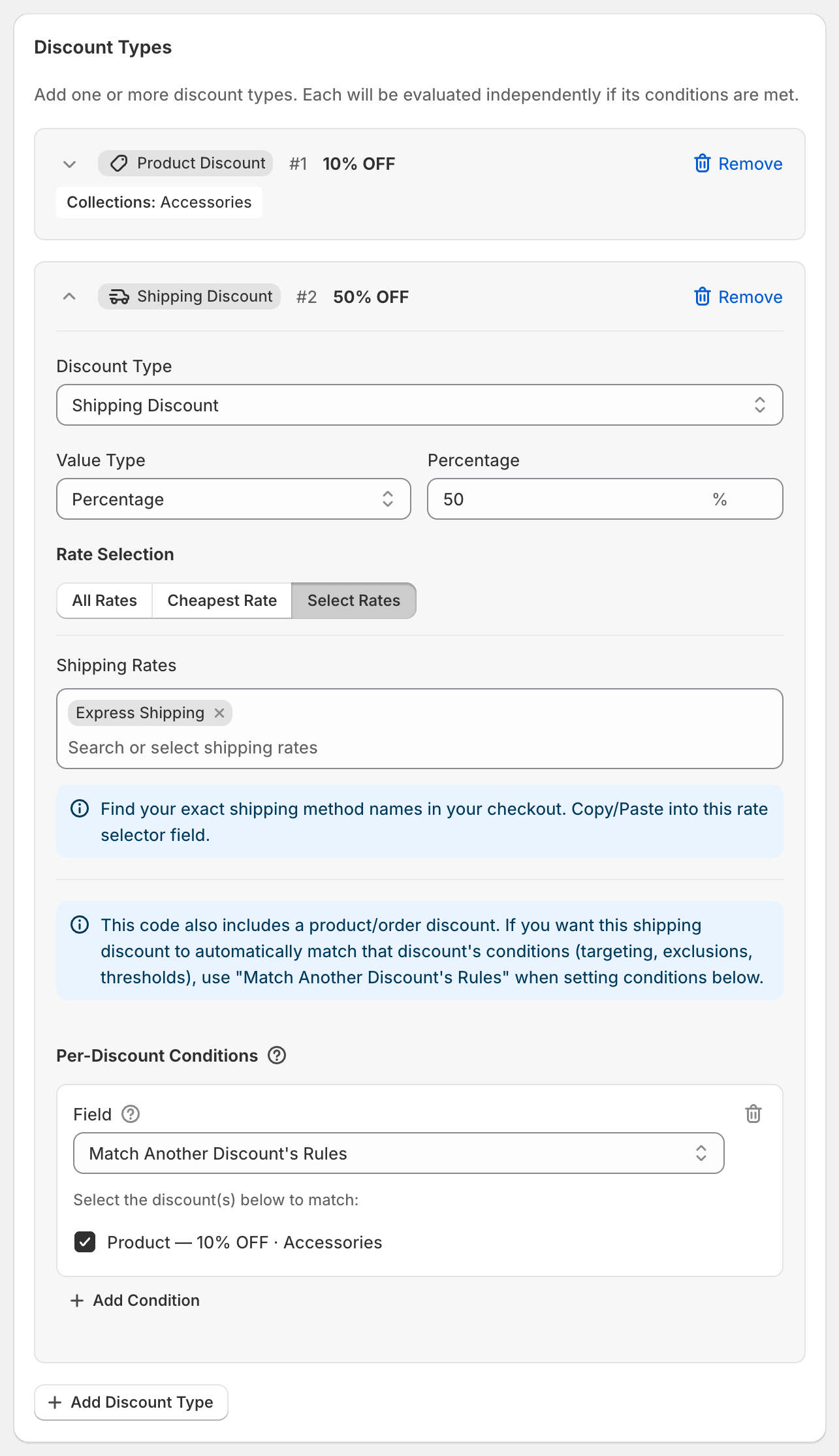
If the same code has a product or order discount, you can make shipping free only when that discount applies. Add the Match Another Discount's Rules condition to the shipping discount. See Match another discount's rules.
What customers see
At checkout the shipping discount is labeled:
FREE SHIPPING for free shipping.
50% OFF SHIPPING for a percentage, with your number.
5 OFF SHIPPING for a fixed amount, with your number converted to the customer's currency.
These labels are always in English.
Good to know
A Fixed Amount comes off each selected rate.
A fixed amount is entered in your store's currency and converted for customers paying in other currencies. See Using OneCode with multiple currencies.
Shipping discounts appear once checkout shows shipping rates, because that's when Shopify knows which rates the customer can choose.
Inside one code, each shipping discount type applies to the rates it targets. Between separate discounts it's different: Shopify applies only one shipping discount per order, the one that saves the most.