
In short: An Order Discount takes a percentage or a fixed amount off the order subtotal. Click Limit to collections to calculate it on items from chosen collections only.
Set one up
In the Discount Types card, click Add Discount Type and set Discount Type to Order Discount.
Choose a Value Type:
Percentage: for example
10takes 10% off the order subtotal.Fixed Amount: for example
15takes $15 off the order, once.
Optional: click Limit to collections to discount only items from certain collections (see below).
Optional: add Per-Discount Conditions, for example Cart Subtotal greater than or equal to
100.
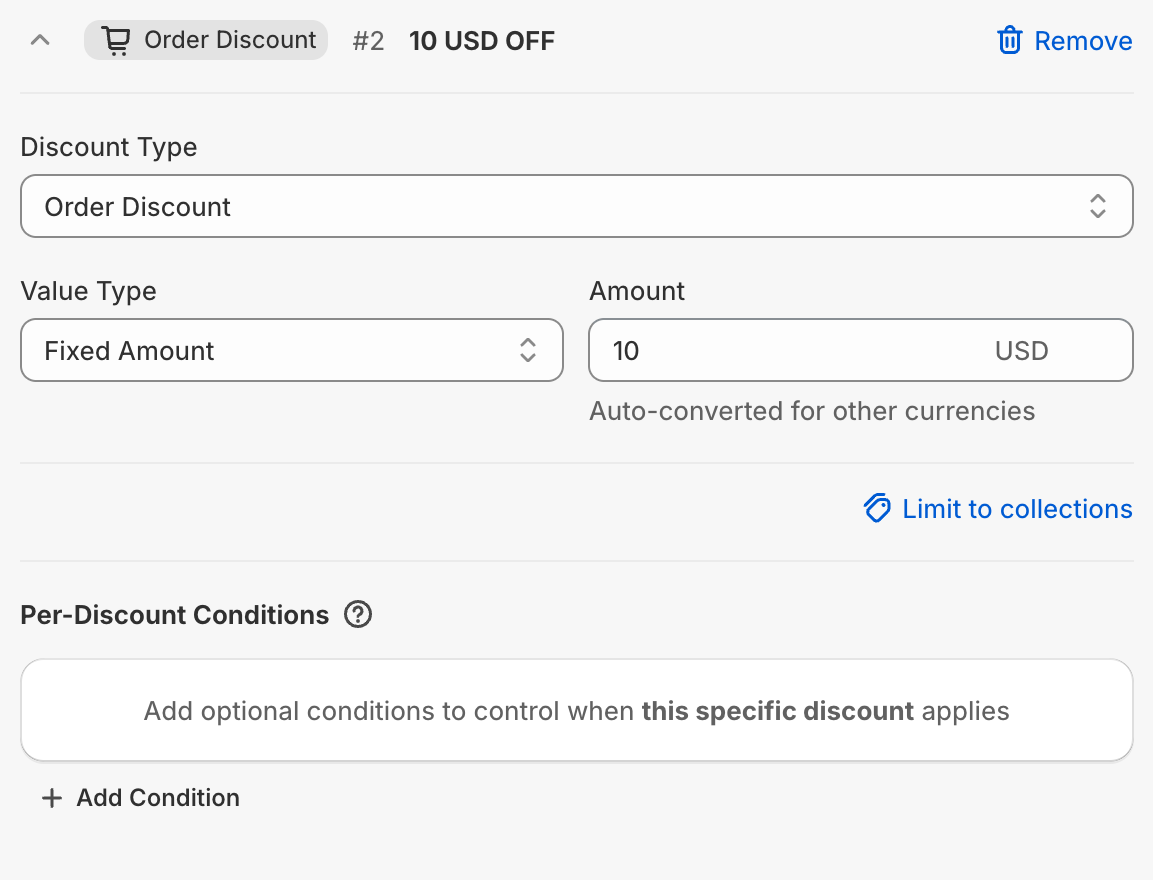
Limit an order discount to collections
In the order discount type, click Limit to collections.
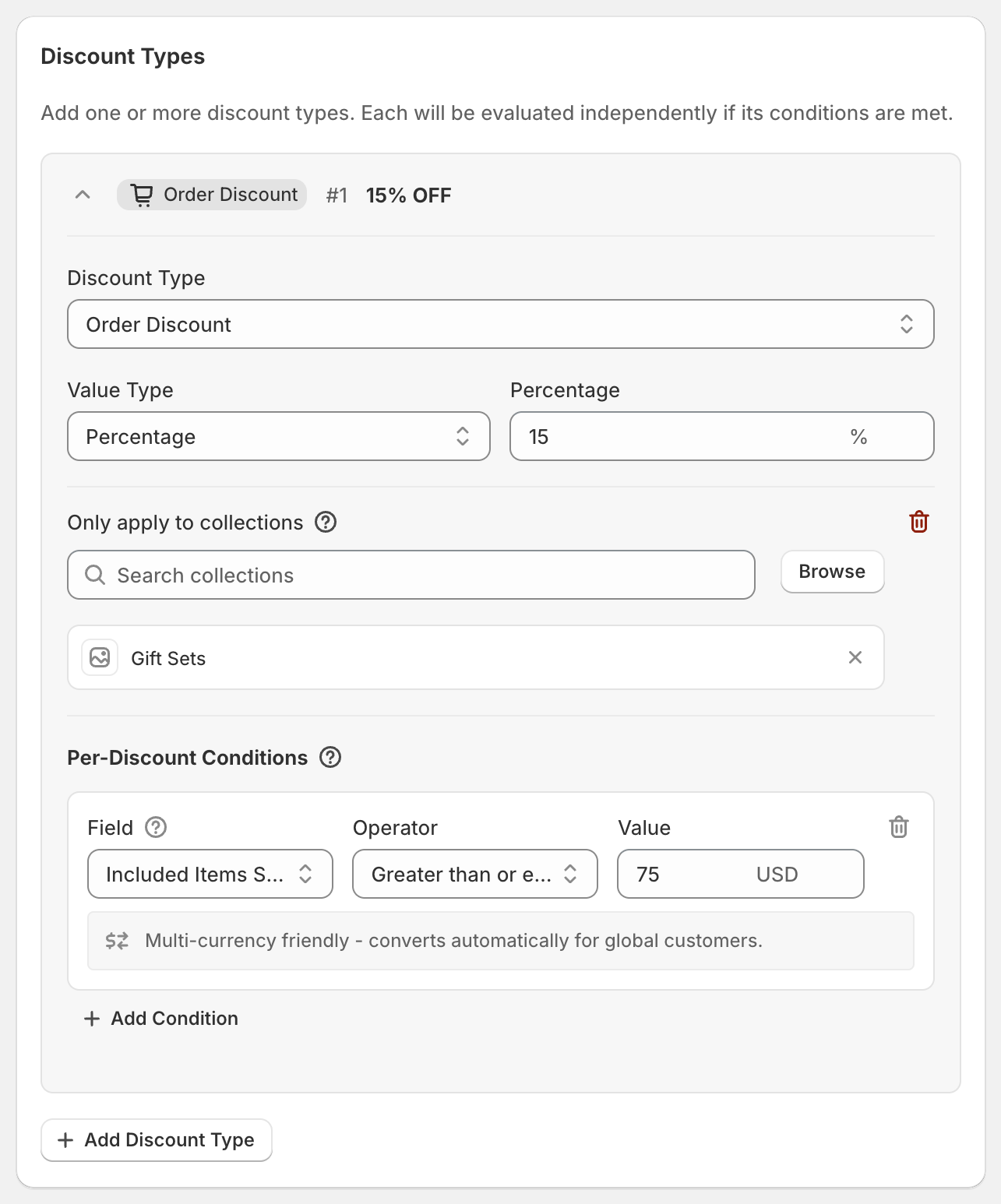
Under Only apply to collections, click Browse and pick one or more collections.
The discount is now calculated on items from those collections only. Other items aren't part of this order discount, though they can still get product discounts.
Two extra conditions become available: Included Items Subtotal and Included Items Quantity. They only count items from the chosen collections.
To remove the limit, click the red trash icon. Any Included Items conditions are removed with it.
Worked example
15% off, limited to Gift Sets, when Included Items Subtotal is at least $75. A customer buys $80 of gift sets and a $40 candle:
Gift sets reach $75, so the discount applies.
15% of the $80 gift sets: $12 off.
The candle isn't part of this discount.
If the cart has no Gift Sets items, this order discount doesn't apply.
Order discount or product discount?
Both can take money off the same items. The difference:
A product discount is shown next to each discounted item and can be limited by quantity or exclusions.
An order discount is shown once, on the order subtotal.
Tip: for "$10 off when you buy anything from a collection", use an order discount with a fixed amount and Limit to collections. A product discount with a fixed amount takes the amount off each item instead.
Good to know
Only one order discount type in a code is used. If several qualify, the customer gets the one that saves the most. Separate order discounts in your store can still stack if their Combinations allow it.
Order discounts don't have a Cart Quantity condition of their own. For "$10 off when you buy 3 items", add Cart Quantity under Global Conditions, or use Limit to collections with Included Items Quantity.
Order discounts never come off gift cards. Gift cards still count toward conditions like Cart Subtotal, but not toward Included Items conditions.
Shopify takes order discounts off the subtotal after product discounts. A $15 order discount on a cart that's already had $20 of product discounts comes off what's left.
A fixed amount is entered in your store's currency and converted for customers paying in other currencies. See Using OneCode with multiple currencies.
At checkout, customers see the discount code (or the title, for automatic discounts) on the order discount line.