
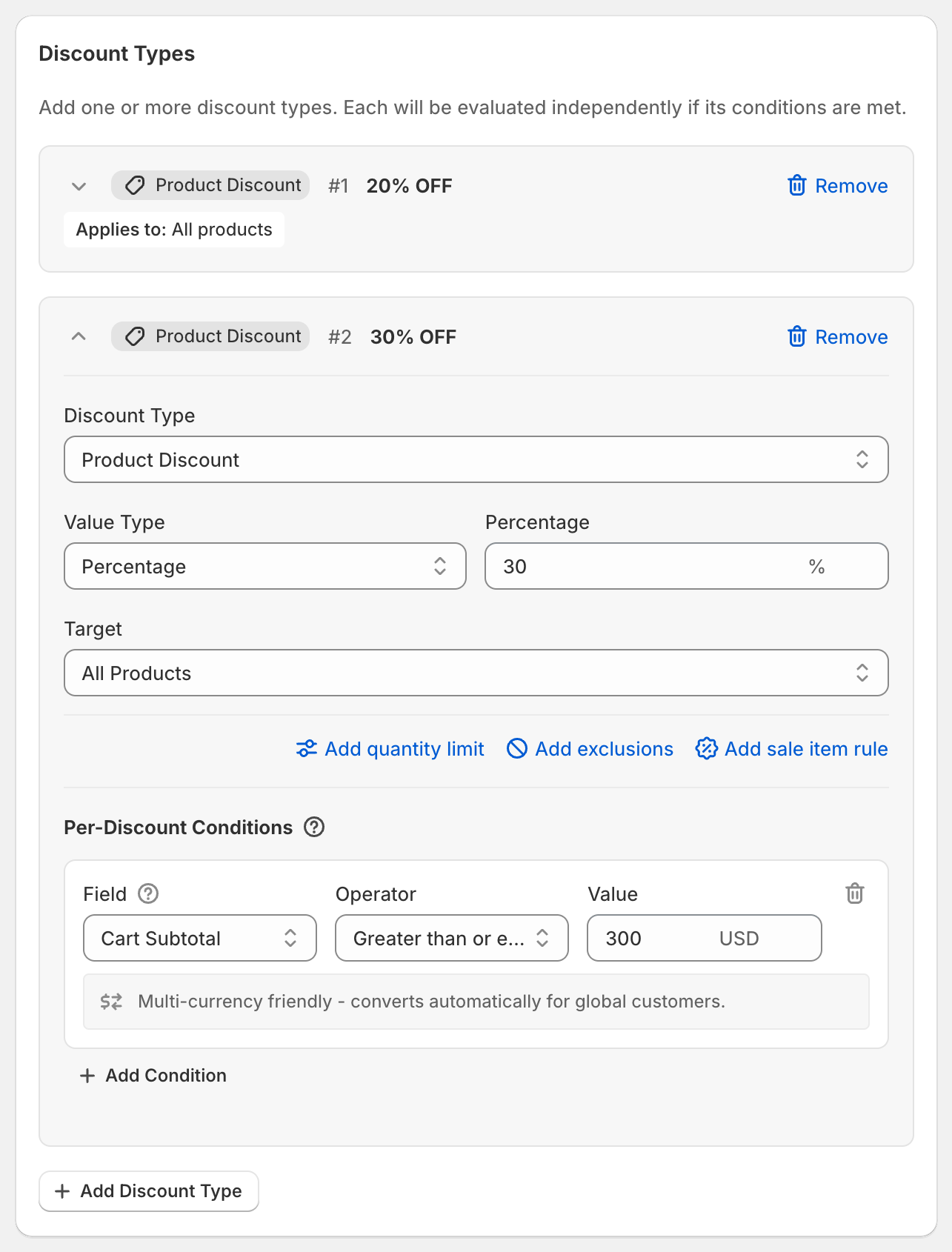
In short: Add two Product Discount types: 20% with no condition, and 30% with Cart Subtotal Greater than or equal to 300. Below $300 customers get 20%; from $300 every item gets 30%.
Why one discount: a Shopify discount has one value, so each tier would be a separate discount, or a separate code. OneCode: Stackable Discounts keeps all the tiers in one code or one automatic discount.
Steps
Click Create discount and choose a code or automatic discount.
Click Add Discount Type and enter
20in Percentage.Click Add Discount Type again and enter
30.On the 30% type, under Per-Discount Conditions, click Add Condition. Set Field to Cart Subtotal, Operator to Greater than or equal to and Value to
300.Click Save discount.
What the customer gets
$250 cart: 20% off, $50 saved.
$320 cart: both tiers qualify and each item gets the better one, 30% off, $96 saved.
The threshold is checked before discounts
Cart Subtotal is measured before any discount comes off. A $320 cart qualifies for 30% even though it would be $256 after 20%.
OneCode can't check "cart total after discounts is at least $300". Cart Subtotal, as above, is the closest option, so customers reach the higher tier a little sooner than an "after discounts" rule would allow. If that matters, set a higher threshold.
Group Total isn't a fix here: it takes off the discount of the tier it belongs to, so the 30% tier would need a much bigger cart than you intend.
Good to know
Add more tiers the same way, for example 40% at $500.
Limit the tiers to a collection by setting the same Target on each.