
In short: Create and save a OneCode discount code, set Limit number of times this discount can be used in total to 1, then use Create Bulk Codes to generate or import the codes. Each code works once.
Steps
Create a discount code with the offer you want, for example 15% off and free shipping.
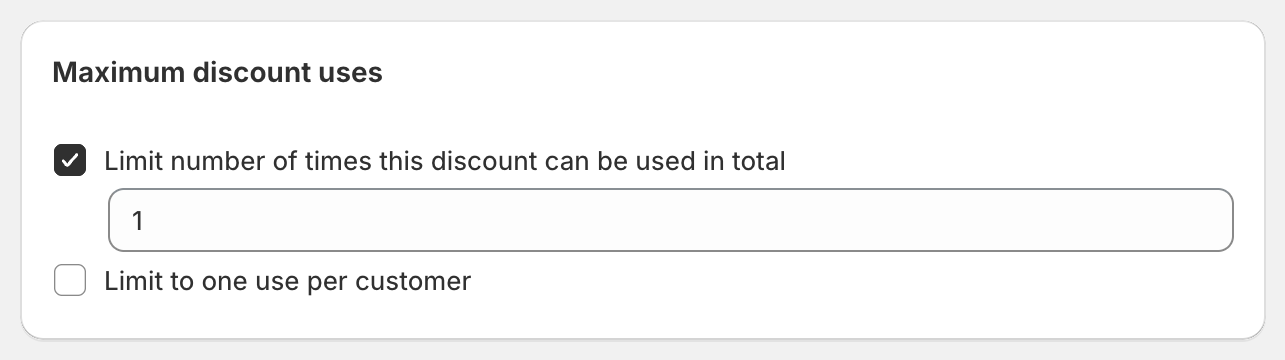
In Maximum discount uses, tick Limit number of times this discount can be used in total and enter
1.
Save the discount.
Open it again and click Create Bulk Codes in the Bulk Discount Codes card.
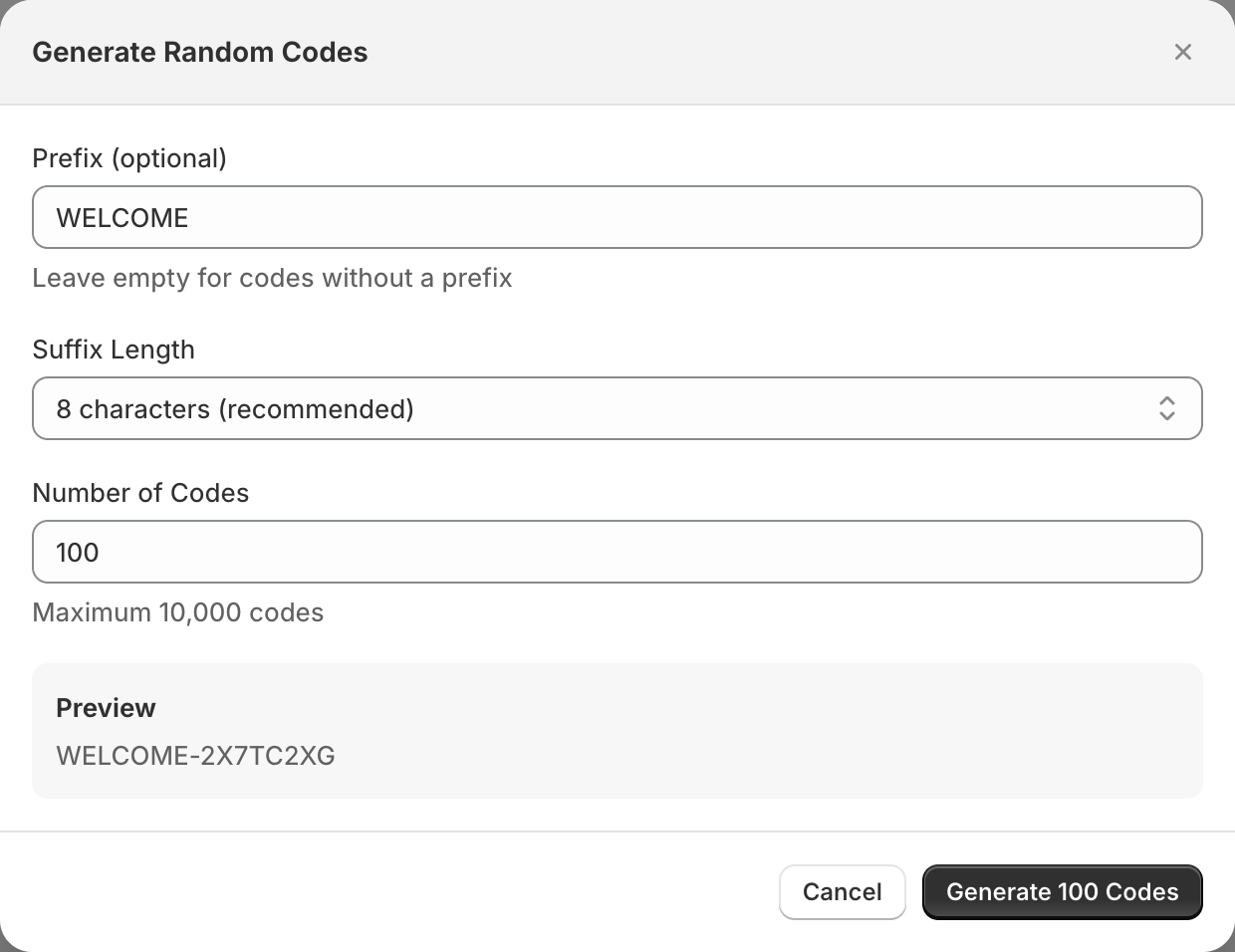
Click Generate Codes, enter a prefix like
WELCOME, choose the Number of Codes and generate. Or click Import CSV to upload codes from your email tool.
Click Export All to download the codes as a
.csvfile, one code per line.Upload the file to your email tool's coupon or unique-code feature (for example Klaviyo's coupon codes) so each subscriber receives a different code. OneCode: Stackable Discounts doesn't send the emails itself.
Why each code is single use
Shopify counts usage limits per code. A limit of 1 means every code can be used once, not that the whole batch can be used once.
Variations
One code per influencer: import a list like
ANNA15,JOE15. Leave the usage limit off so each influencer's code can be used many times, and check Uses on the bulk codes page to see who's driving sales.Reusable codes, once per customer: leave the total limit off and tick Limit to one use per customer. Each code can be used by many customers, once each. Because limits are per code, a customer with two different codes can still use both.
Good to know
Up to 10,000 codes per batch. Run more batches for more.
More detail: Create bulk discount codes.